Visuals, Mods, Skills: All the stuff that's new and getting us "beyond text" with LLMs.
I’ll be creating videos on these topics, but in the meantime, I wanted to share a quick update on a trend I’m seeing.
We’re getting to a point where chatting with an AI isn’t just text.
Here’s what that looks like…
“Visualize” in Cowork
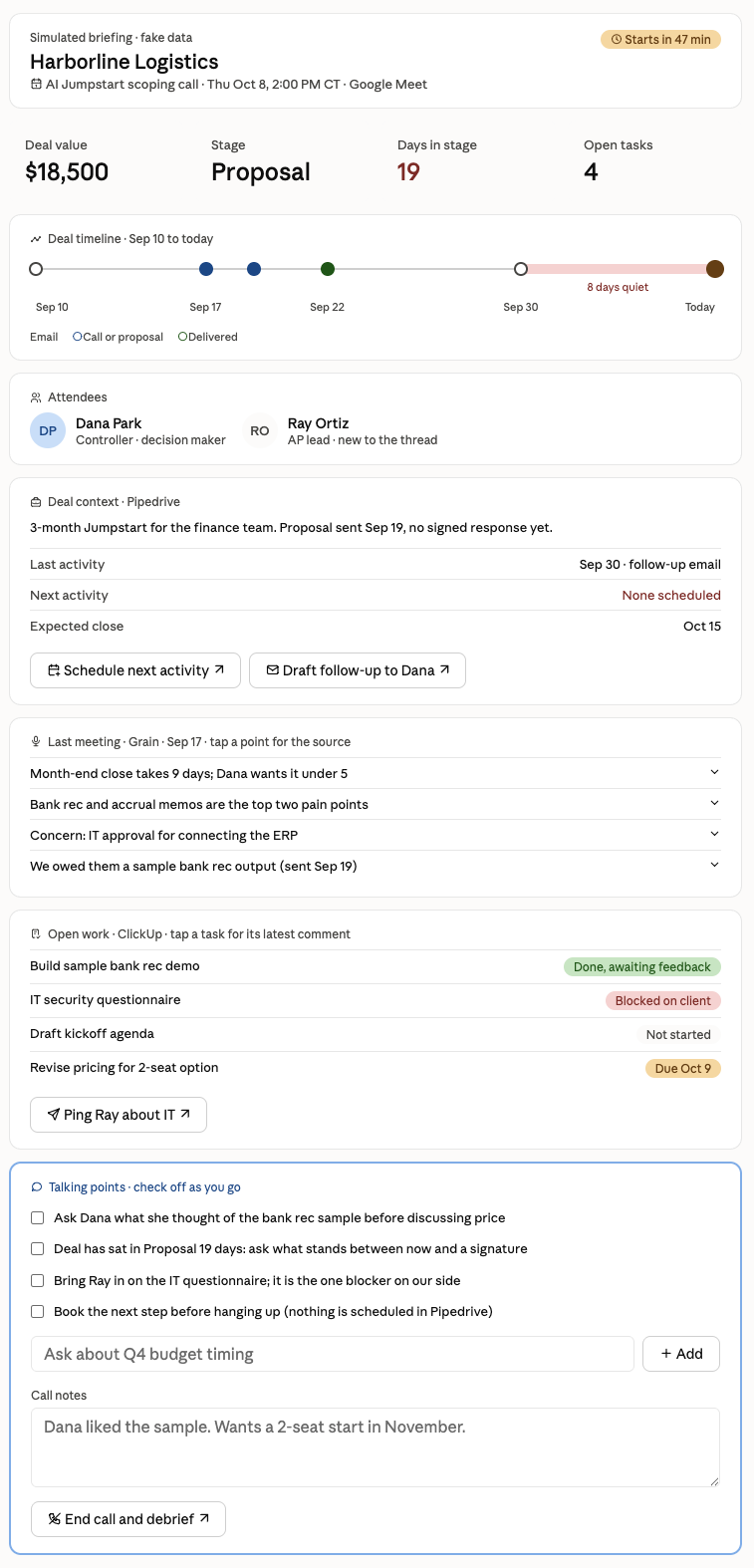
In Cowork, you can say “visualize this,” and Claude will create a more visual interface directly in the conversation thread.
This lets you see things more organized and interact with them through UI elements like buttons, checkboxes, and inputs.
Here’s an example:
“Mods” in Code
Claude Code takes this a little further and lets you completely customize the UI in the Desktop app.
Want custom UI panels on the right side that show specific things based on what you’re working on? Not a problem.
Need it interactive? Code’s got ya.
Want it to add custom commands while you’re working through specific things? Yep, it can do that, too.
It sounds complicated if you look at the docs, but good news: Claude can write it for you. Just ask it to create a mod that does whatever you want.
Skills
Three things here…
Combine visualizations with Skills to ensure that you always get the same interface every time the skill is used.
Combine mods with Skills so that the Skill is aware of the new interfaces and commands that can be used.
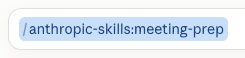
Bonus: Cowork skills can now be used by Code (in the Desktop app). They are (confusingly) listed under the prefix “anthropic-skills:” but that only means that they are being loaded by the cloud, not owned by Anthropic.
Here’s a Cowork skill being used in Code:
Go out and experiment!
The trend is moving out of a text-only AI world and into LLMs producing output in defined interfaces, and nearly every Skill worth creating could benefit from producing a summary, output, or response in something other than a bulleted list and long paragraphs.
Give it a try and let me know how you’re using it!