How I built my dream day planner in Claude (and a free guide to show you how to do the same)
I have wanted to build something like this for YEARS. No joke.
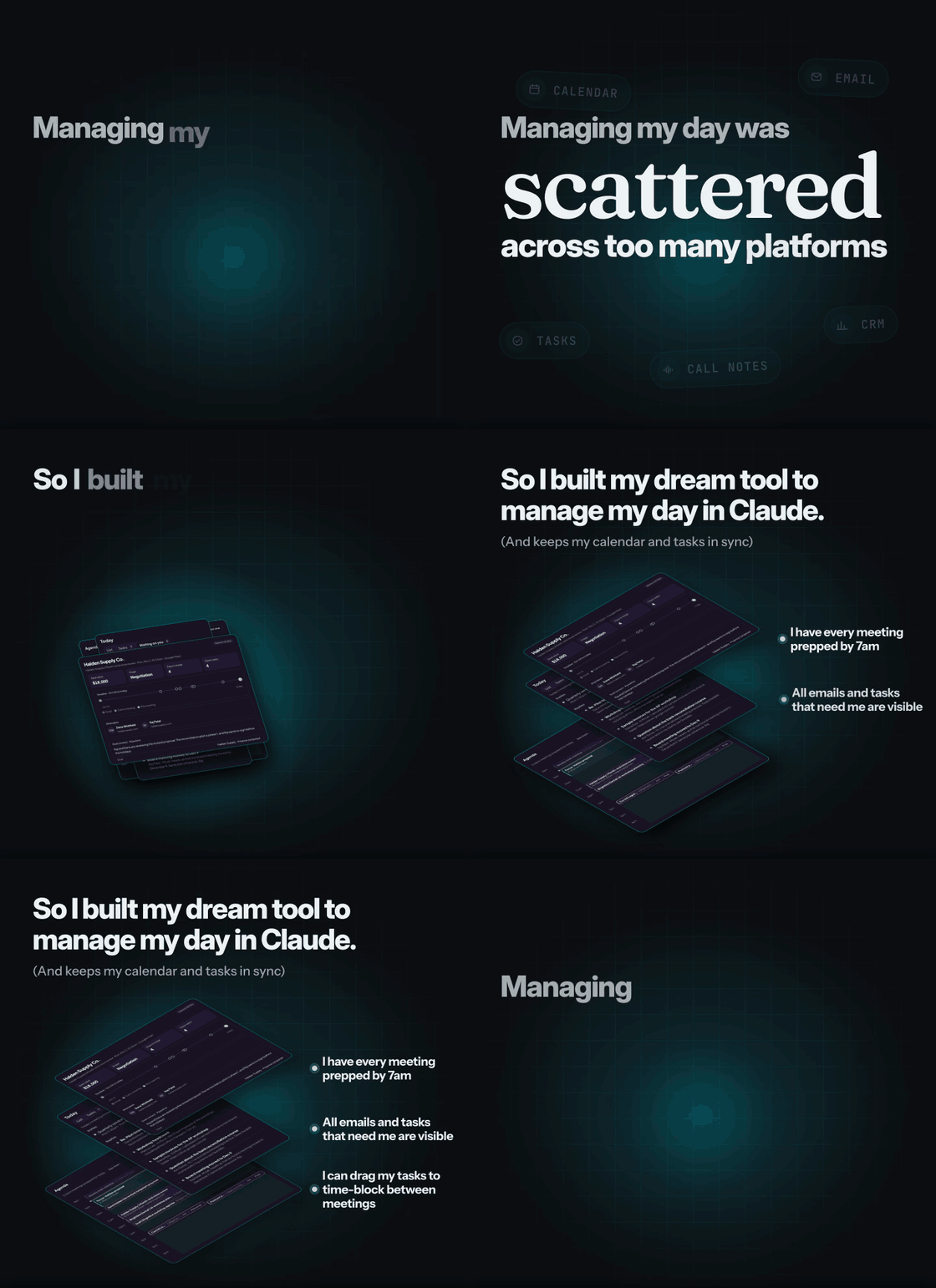
The idea of dragging time blocks, or my tasks directly, to plan my day around meetings has always appealed to me. I’ve just never had the time, patience, and resources to dedicate to this project.
Until now.
👉 View the free build guide here!
Software, as a whole, is changing. We can build tools shaped to our business, and not shape our business to the tools.
In my case…
I wanted it to show my day on an agenda. Done.
I wanted it to pull my task list from ClickUp. Done.
I needed to see any invites or emails that I needed to respond to. Done.
I found it useful to add my own tasks that only exist in the agenda. Done.
I wanted to visualize and block off my free time. Done.
For anything I planned, I wanted one click to add it to my calendar. Done.
Then, if I edit the things I added to my calendar, I wanted it to sync. Done.
I needed it to use my /meeting-prep skill to help me prep all my meetings. Done.
I wanted this in a separate tool, not a chat thread. Done.
I thought it would be cool to add Claude to chat with it to do things. Done.
I simplified it with tabs. Done.
I found it useful to color-code the time blocks in my day. Done.
I named the tool Day Desk. Here’s a quick demo video I put together (also with Claude) to help my team understand its benefits in about a minute:
👉 Read the free build guide here!
Like this idea? Have questions about why we built it in Claude? Want to see other build guides and tools that we’re creating? Want to know how I made the demo video or GIF with AI?
Drop me a note in the comments below.
The more engagement and feedback we get, the better we'll know what everyone here would benefit from, and the more we can provide to the community as a whole.