[AI Special Report] Claude Cowork is Coming to Web and Mobile
Since launch, the single biggest complaint about Claude Cowork was that it only worked on your desktop.
That is changing: Anthropic is currently rolling out Cowork out to the web and mobile devices.
What’s the catch? Well, there’s always a catch. Keep reading because it might not work the way you're picturing…
First, let’s align on what Cowork is
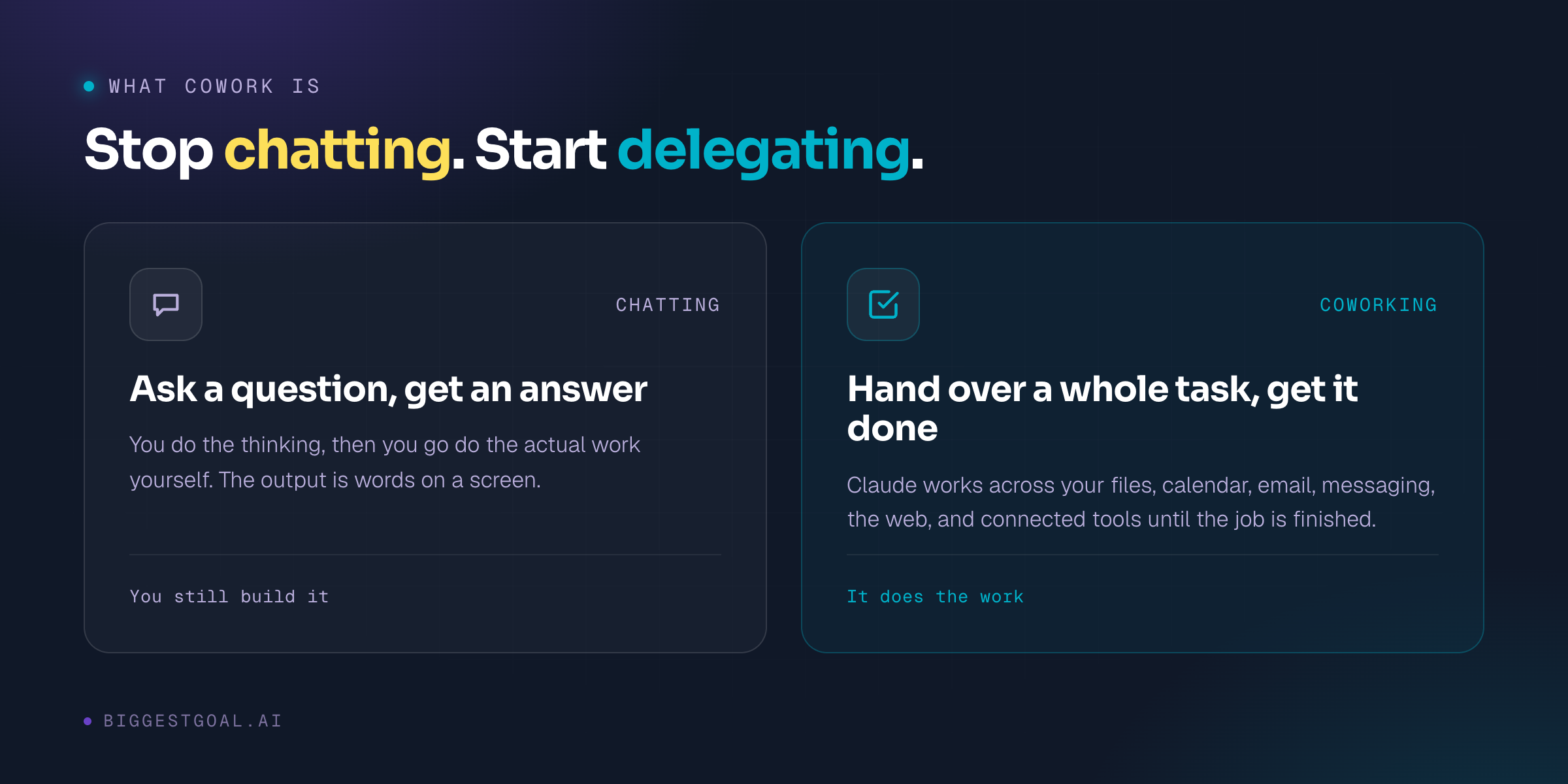
Cowork is the Claude platform where you stop chatting with Claude and start delegating actual work to it. Instead of asking a question and getting an answer, you hand Claude a whole task, and it works across your files, calendar, email, messaging apps, the web, and whatever other tools you've connected until the job is done.
How people use Cowork
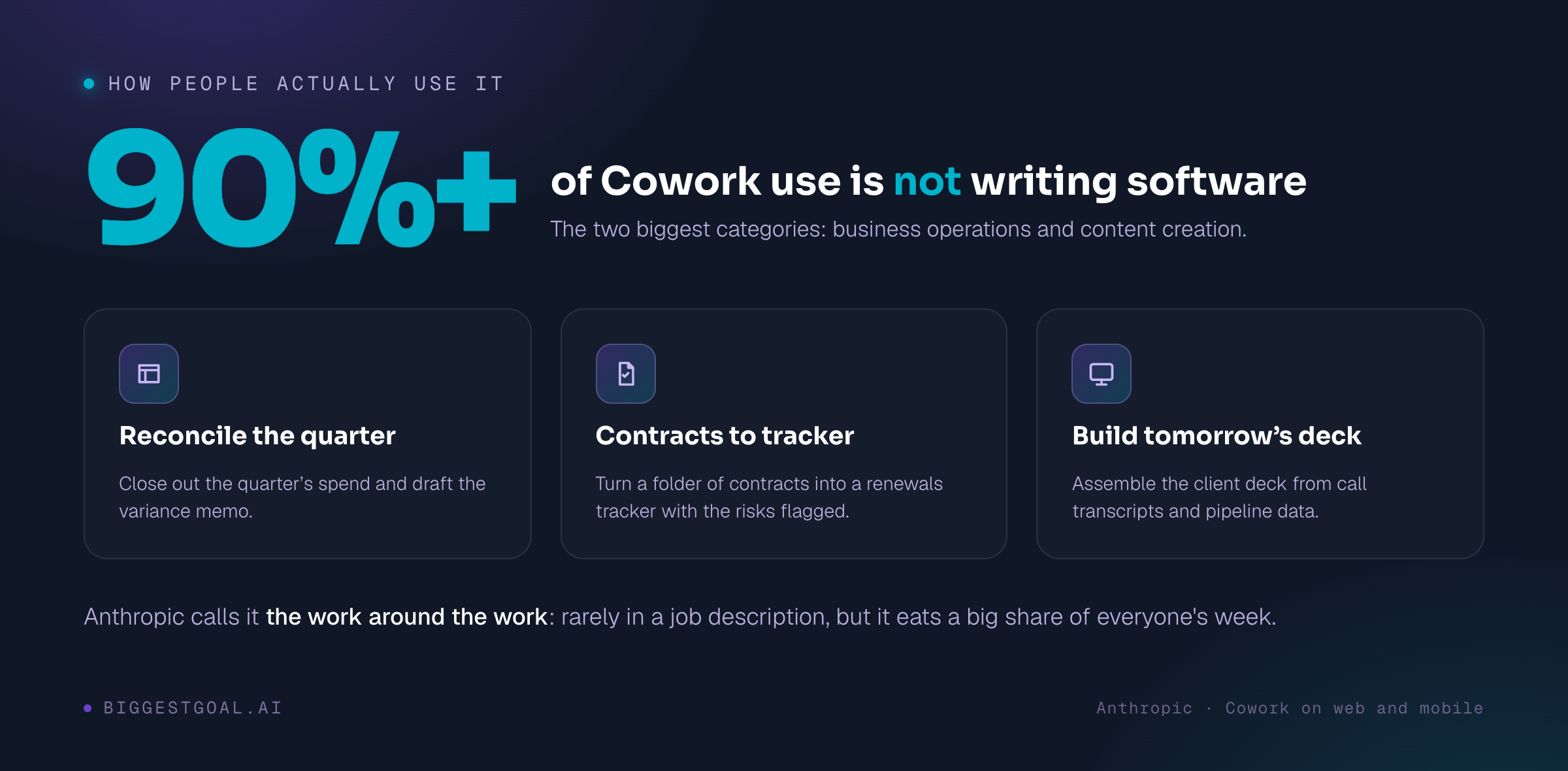
When Anthropic looked at how Cowork was used, more than 90% of it was unrelated to writing software. Makes sense, since most people are using Claude Code for that. Nothing surprising here.
The biggest categories were business operations and content creation:
Reconciling the quarter's spend and drafting the variance memo
Turning a folder of contracts into a renewals tracker with the risks flagged
Building tomorrow's client deck from call transcripts and pipeline data.
Anthropic calls this "the work around the work." It's rarely in anyone's job description, but it eats a large share of everyone's week. This is the work Cowork is built to take off your plate.
When is Cowork going to the web and mobile?
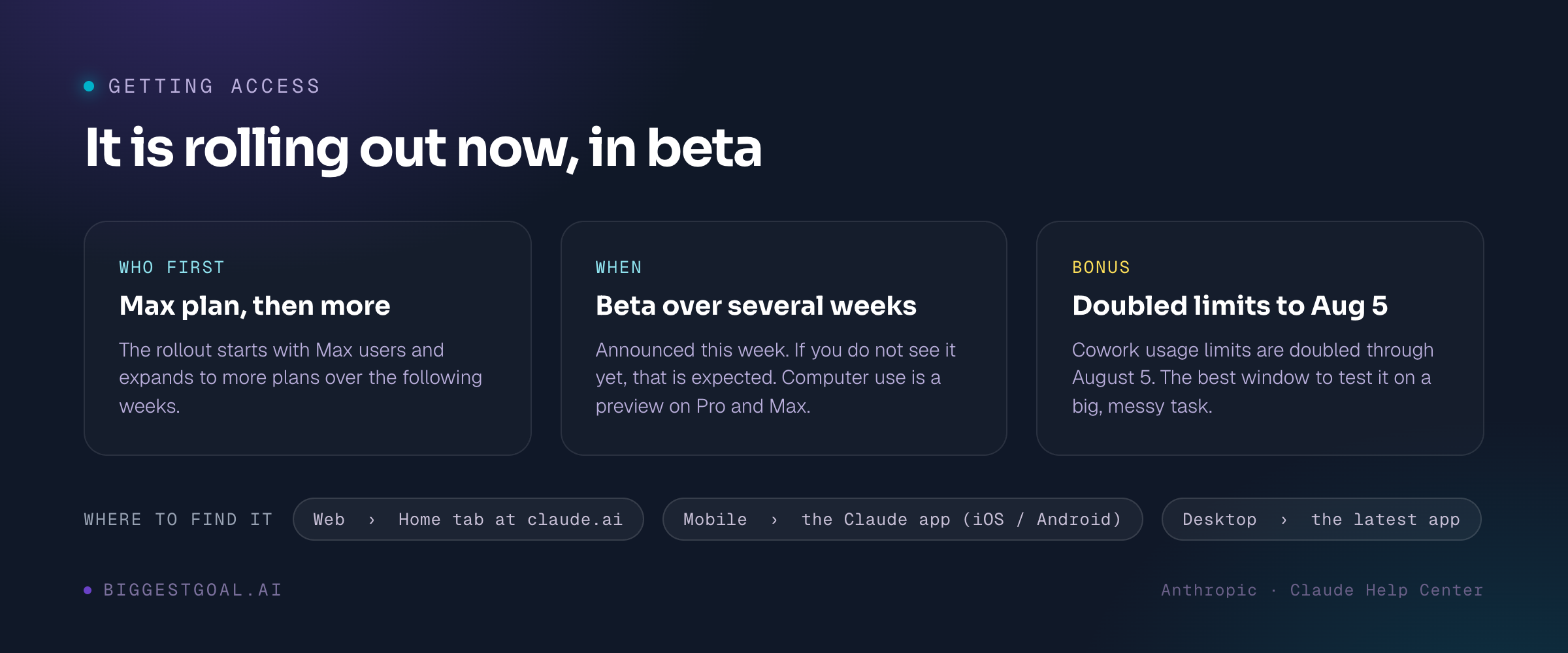
The rollout starts with the Max plan and expands to more plans from there. So the order of arrival is Max users first, then everyone else over the following weeks.
How it works (and here’s the catch!)
The key feature that makes Cowork so powerful is not (fully) available in the web/mobile version. Because it’s on the web, it cannot access your files without your computer being on and the desktop app open.
To make it work, you can:
Start a new task in the desktop app
You’ll see it instantly on the web and mobile
You can interact with Cowork from any surface and get the full Cowork experience while your computer is on and the app is open.
If you shut down your computer or the desktop app, the web and mobile versions can only read from the files that have already been loaded into context and can no longer write directly to your computer’s file system.
Where to find it
On the web, start a session from the Home tab at claude.ai.
On mobile, open Cowork from the Claude app for iOS or Android (update the app if you don't see it). On desktop, it's in the latest Desktop app.
In a remote session, Claude's work runs on Anthropic's servers instead of on your computer, and your sessions and files are saved to your Claude account rather than living only on one machine.
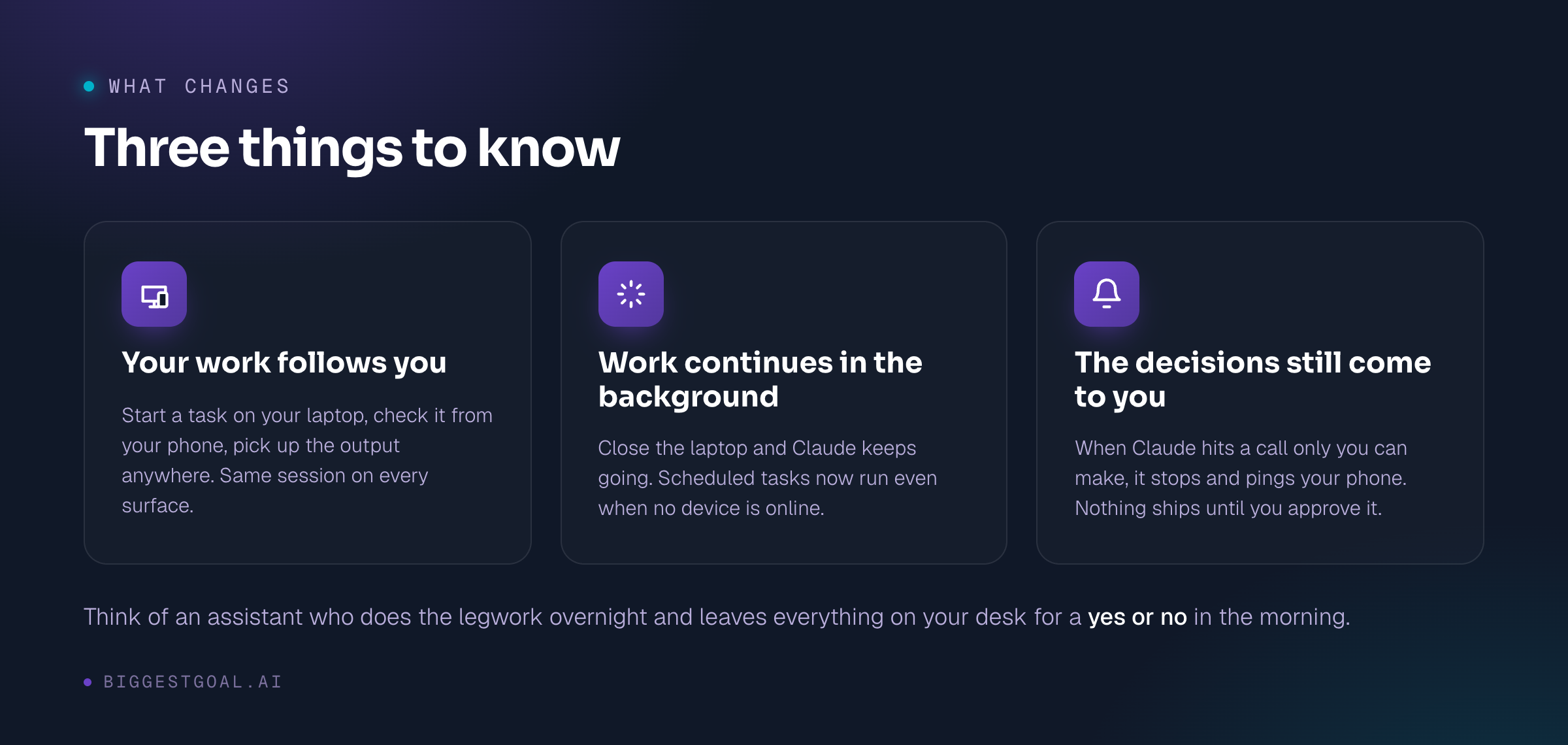
Three things to know:
Your work follows you. Start a task on your laptop, check on it from your phone, pick up the output anywhere. It's the same session on every surface.
Work continues in the background. Close the laptop and Claude keeps going. Scheduled tasks now run even when no device is online. You can set "Monday client prep, 6 am," and Claude will work through the email threads, transcripts, and recent news, build the briefing doc, and leave the follow-up email drafted but unsent, ready for you to review over coffee.
The decisions still come to you. When Claude hits a call only you can make, it stops and asks, and the question shows up as a notification on your phone. Nothing gets sent or shipped until you've reviewed and approved it. You can even redirect a draft mid-task and Claude carries on down the corrected path.
That third point is important and, really, it’s how AI should be thought about: This is not "AI runs loose while you sleep." It's closer to an assistant who does the legwork overnight and leaves everything on your desk for a yes or no in the morning.
The limitations
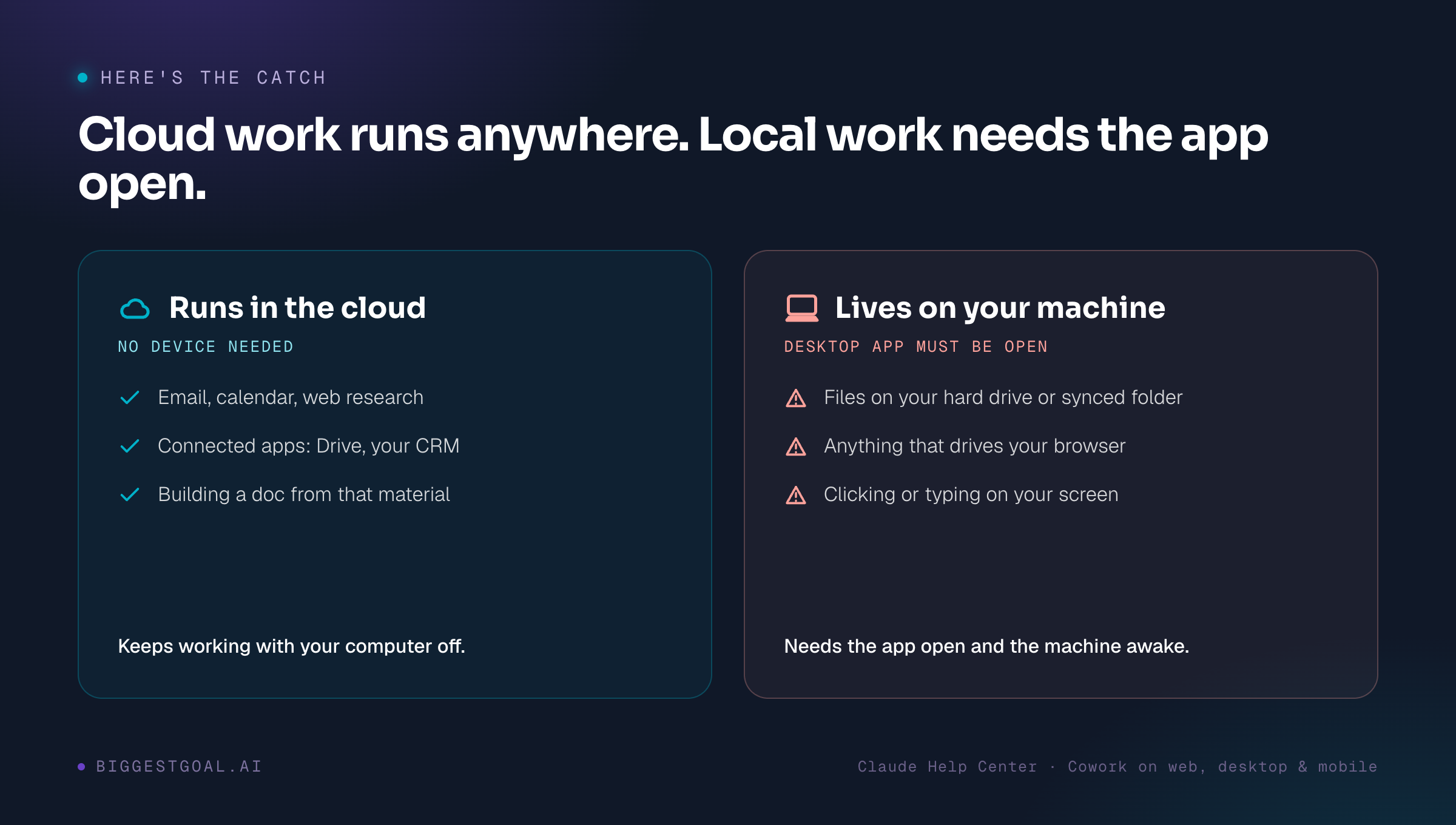
"The work runs in the cloud" is true for anything Claude reaches through the web or a connected cloud service (email, calendar, Google Drive, your CRM, and so on). Those tasks can run even when your desktop app isn't open and your computer is off.
But the moment a task needs a file that lives on your actual computer, or needs to drive your browser or click around your screen, Claude has to reach back to your machine, and that only works while the Claude desktop app is open on that computer.
If the desktop app is closed, the session continues running, but it can't access your local files until you reopen the app.
So the real version of "close your laptop and it keeps working" is:
Cloud-based work (email, web research, connected apps, building a doc from that material): yes, fully in the background, no device needed.
Work on files sitting on your hard drive, or anything that uses your browser or screen: needs the desktop app open and the machine awake.
If your workflow depends on documents that only exist in a local/synced folder, plan for the desktop app to stay open.
All in all, this is still much better than what we had a couple of days ago.
Still in beta
A few things to remember while this is still in beta:
Some features are desktop-only for now. Live artifacts (the interactive dashboards and pages that Claude can build) work only in the desktop app. Local connectors and any plugins that run on your machine are also desktop-only.
Projects tied to a local folder support Cowork sessions on desktop only. And Cowork won't quietly change a project's contents, so if you want it to keep something, save it to the project yourself.
Desktop is still the "full" experience. It's where deep work happens and where Claude has the most reach into your local files and browser. Web and mobile are about starting, steering, checking, and approving from wherever you are, not replacing the desktop app.
BUG NOTE: In our initial testing, there were bugs when trying to start Cowork tasks that access your local files when the task wasn’t in a project. However, if you create a project, connect the folder to the project, and then start a task, it works perfectly.
Know someone who'd find this useful?
Forward this to a colleague who's been waiting for the "assign it and walk away" version of AI. They can subscribe at your.biggestgoal.ai to get our briefings daily.
Source notes
Cowork on web and mobile, launch details, "work around the work," >90% not software development, remote sessions, background work, scheduled tasks, doubled usage limits through August 5: Claude by Anthropic -- Cowork on web and mobile
Rollout timing (beta, starting with Max, more plans to follow), how remote sessions work, surface-by-surface feature availability, the desktop-app requirement for local files / browser / computer use, projects and live artifacts limits: Claude Help Center -- Use Claude Cowork on web, desktop, and mobile
Related same-week announcements: Bringing Claude Code and Claude Cowork to government · Giving admins more visibility and control over Claude spend
Curated by Biggest Goal · July 9, 2026